Thimble Tune
One clear thread · two musical takes

Stitch One Idea into a Complete Song

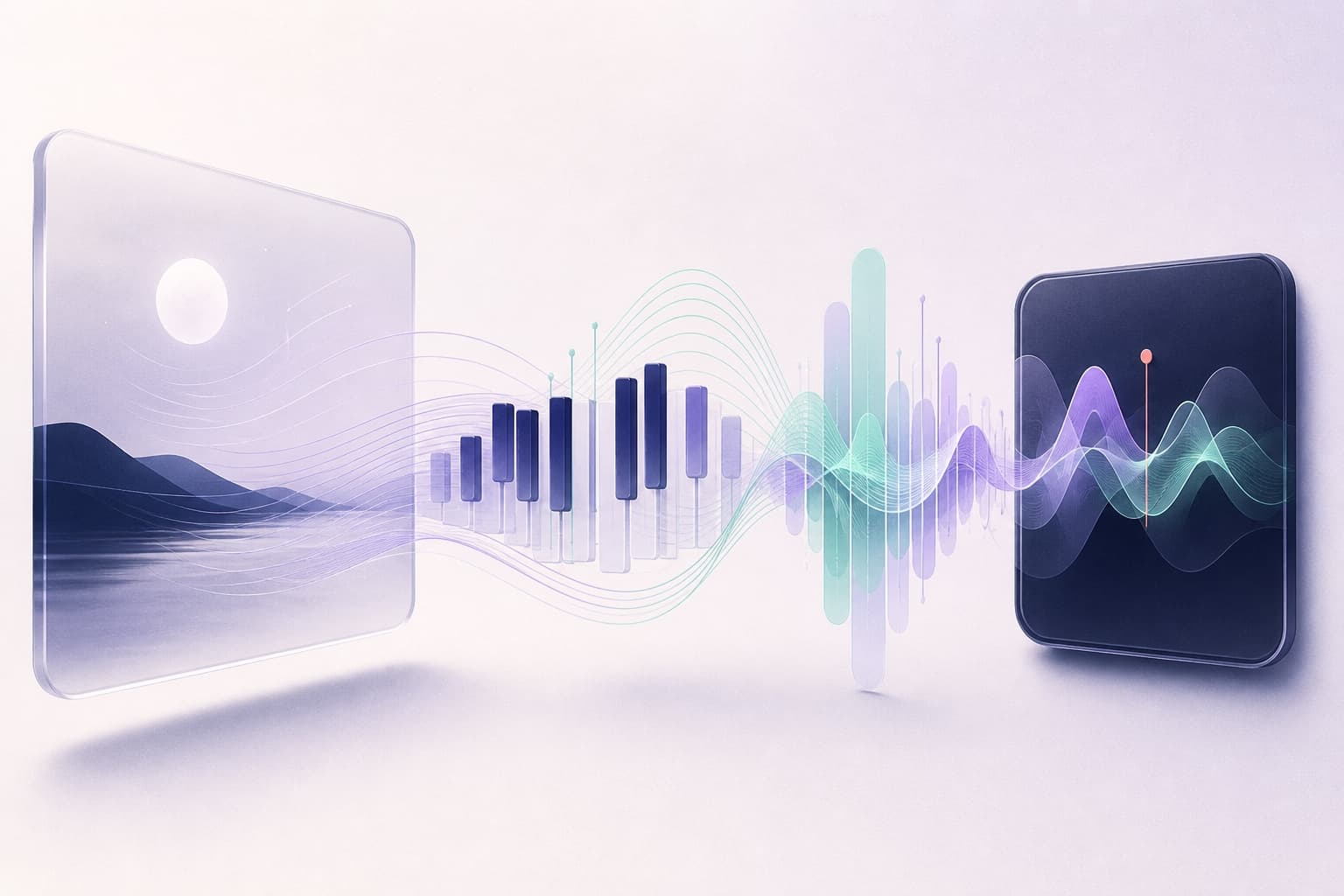
Thimble Tune is an AI song generator for personal creative work. Bring a lyric, scene, mood, or half-formed hook; hear it as two playable songs with melody, vocals, and instrumentation, then refine the thread that feels like yours.

0/500 characters

Paired song studies

Hear one idea take two musical shapes.

Each pair begins with the same creative thread. Listen for the melody, pacing, voice, or arrangement you would keep—and what you would change in the next pass.

4 starting ideas8 playable variationsOne brief per pair

  • 01Original lyricsV4.5 · Custom Mode · Vocal

    Which version better preserves a restrained verse while still landing the ending?

  • 02Story briefV4.5 · Simple Mode · Vocal

    Which version gives the story more room without losing the chorus?

  • 03Instrumental briefV4.5 · Custom Mode

    Which version is closer to the requested study pace and resolved ending?

  • 04Structure constraintsV5 · Custom Mode · Vocal

    Did either version satisfy the meter change, exposed bridge, and decisive ending?

Choose your first thread

Start with the part of the song you already have

A half-formed idea, finished lyric, or instrumental purpose can all be enough. Give Thimble Tune one clear starting point, then judge the two takes by what matters to you.

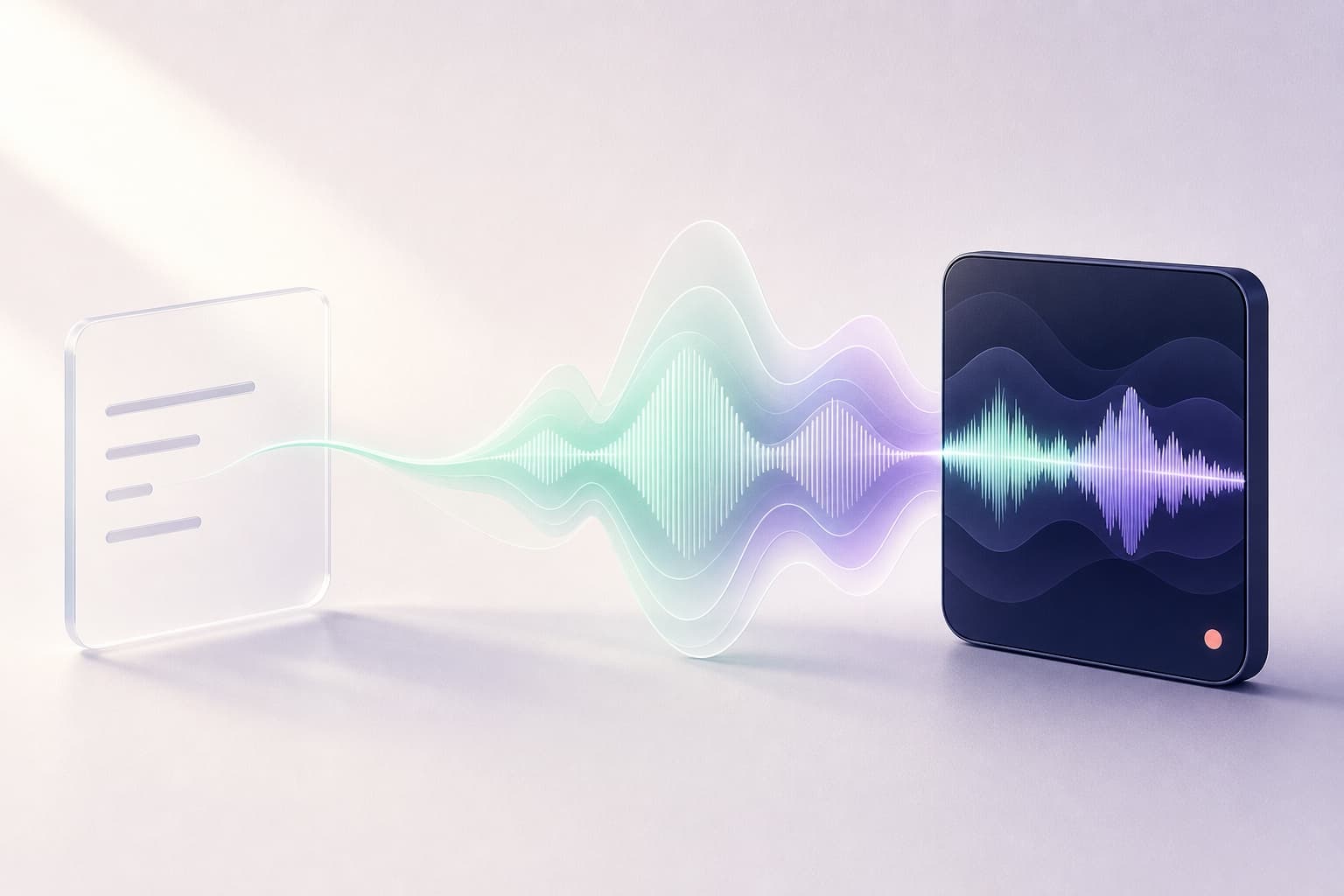
A copper thread connecting a written idea to a complete song waveform

Simple Mode

Shape an idea into a full song

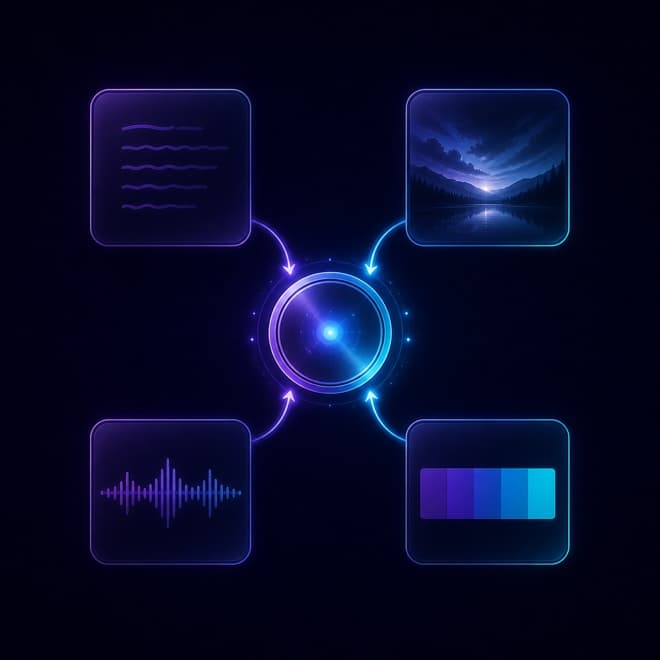
Describe the subject, emotional turn, musical character, and vocal perspective. Thimble Tune develops that thread into lyrics, melody, vocals, and instrumentation, giving you a complete first pass to respond to.

Best when
You have a story, mood, title, theme, or visual scene but no fixed lyric draft.
Example input
Cinematic indie-pop about leaving a hometown before sunrise; intimate female vocal, restrained verses, and an open final chorus.
Listen for
Whether the hook carries the central idea and the energy grows with the story rather than flattening it.
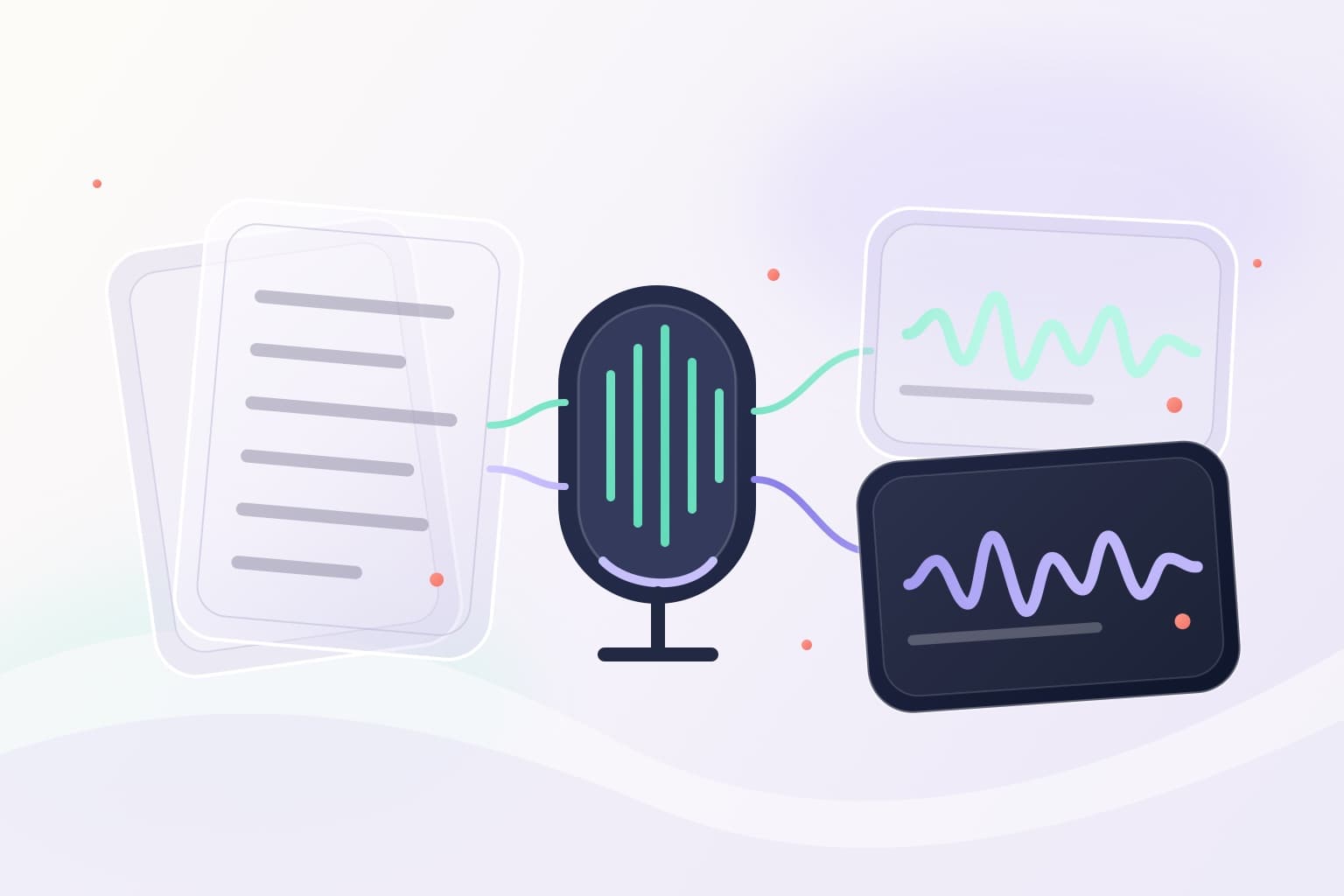
Structured lyrics stitched to melody, voice, and arrangement

Custom Mode

Set your lyrics inside a musical frame

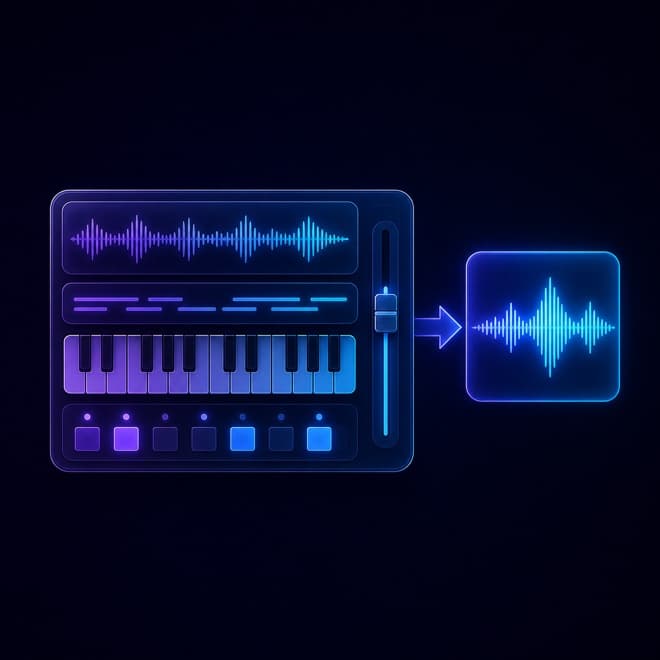
Paste the words you want the vocal to follow, keep verse and chorus labels visible, and describe the sound separately. Your wording supplies the pattern while the model interprets melody, voice, phrasing, and arrangement.

Best when
Your verse, chorus, hook, or full lyric draft should remain recognizable in the result.
Example direction
Warm acoustic soul, close male vocal, unhurried verses, fuller harmony in the chorus, and a short piano outro.
Listen for
Pronunciation, crowded lines, section breaks, and whether the chorus receives enough musical contrast.
An instrumental brief becoming a layered copper-toned arrangement

Instrumental

Build a track around a clear purpose

Choose instrumental and describe the role, arc, palette, pace, and ending. The useful detail is not a pile of genre words, but how the music should feel, develop, and support what you are making.

Best when
You need background music, a score-like cue, a writing bed, or a track without a lead vocal.
Example input
Nocturnal lo-fi instrumental for a quiet study scene; brushed drums, muted electric piano, soft bass, no lead vocal, and a resolved ending.
Listen for
No lead vocal, a useful energy arc, balanced instruments, and an ending that suits the track's purpose.

How to stitch a song together in 3 steps

  1. 1
    Name the thread worth following

    Name the thread worth following

    Start with the lyric, scene, story, mood, or sound at the center of the song. A few concrete details give the model a clearer task than a long list of broad adjectives.

  2. 2
    Set the musical shape

    Set the musical shape

    Choose a vocal song or instrumental, then guide the genre, instruments, pace, energy, and voice. Use Custom Mode when exact lyric lines need to remain recognizable.

  3. 3
    Listen, choose, and refine

    Listen, choose, and refine

    Compare both takes and name the melody, phrasing, rhythm, or arrangement worth keeping. Change one instruction for the next pass so you can hear what moved the song forward.

A practical first pass, made for revision

Thimble Tune gives you enough of the song to make real creative decisions, while leaving the final judgment with you.

Two takes from one brief

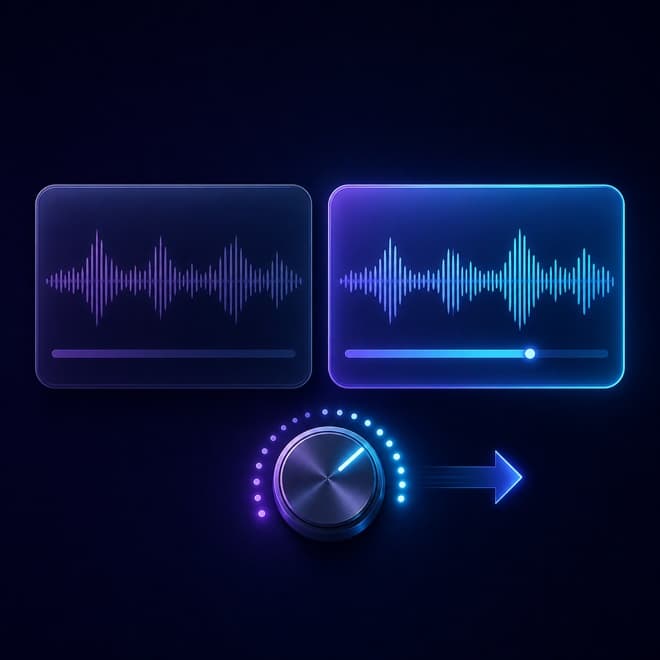
Both results begin with the same prompt, lyrics, style, and model. Their differences give you a concrete basis for deciding what to keep and what to adjust.

Create two takes

A complete musical first pass

Generate a song-shaped result with melody, vocals, and instrumentation, or choose instrumental when the track should have no lead vocal.

Start with an idea

Files and rights follow your plan

Paid plans include MP3 and WAV downloads. Commercial usage is a separate license question and applies only to eligible annual-plan generations.

Compare plans

Questions about making songs with Thimble Tune

What is Thimble Tune?

Thimble Tune is an AI song generator for personal songwriting. You bring a lyric, story, mood, scene, or instrumental direction, and it creates two playable interpretations you can compare and shape.

Can I turn my own lyrics into a song?

Yes. Use Custom Mode, paste the lyric lines you want the vocal to follow, keep section labels such as Verse and Chorus visible, and describe the sound separately. Then listen for pronunciation, phrasing, and whether each section has the contrast you intended.

Does one generation create a complete song?

One generation returns two playable takes designed as complete tracks, with melody, vocals, and instrumentation when requested. Results can interpret the same brief differently, so compare both before deciding which musical thread to continue.

How do I refine a result without starting over?

First name the part worth keeping: the hook, vocal phrasing, rhythm, texture, or structure. Then change one instruction at a time. A focused revision makes it easier to hear which choice improved the song.

Can I start for free?

Yes. The Free Plan begins after sign-in. Free songs are public by default and available for online listening. Downloads, private generations, and commercial usage rights depend on your plan and the current license terms.

Can I download a song or use it commercially?

Paid plans include MP3 and WAV downloads, but a downloadable file does not automatically include commercial rights. Eligible annual Starter and Plus generations receive the royalty-free commercial grant described in the License Agreement; review the plan and license before publishing or monetizing a song.

Give your idea its first musical shape

You do not need a finished song to begin. Bring one clear thread, listen to where it leads, and keep shaping the take that sounds most like yours.